
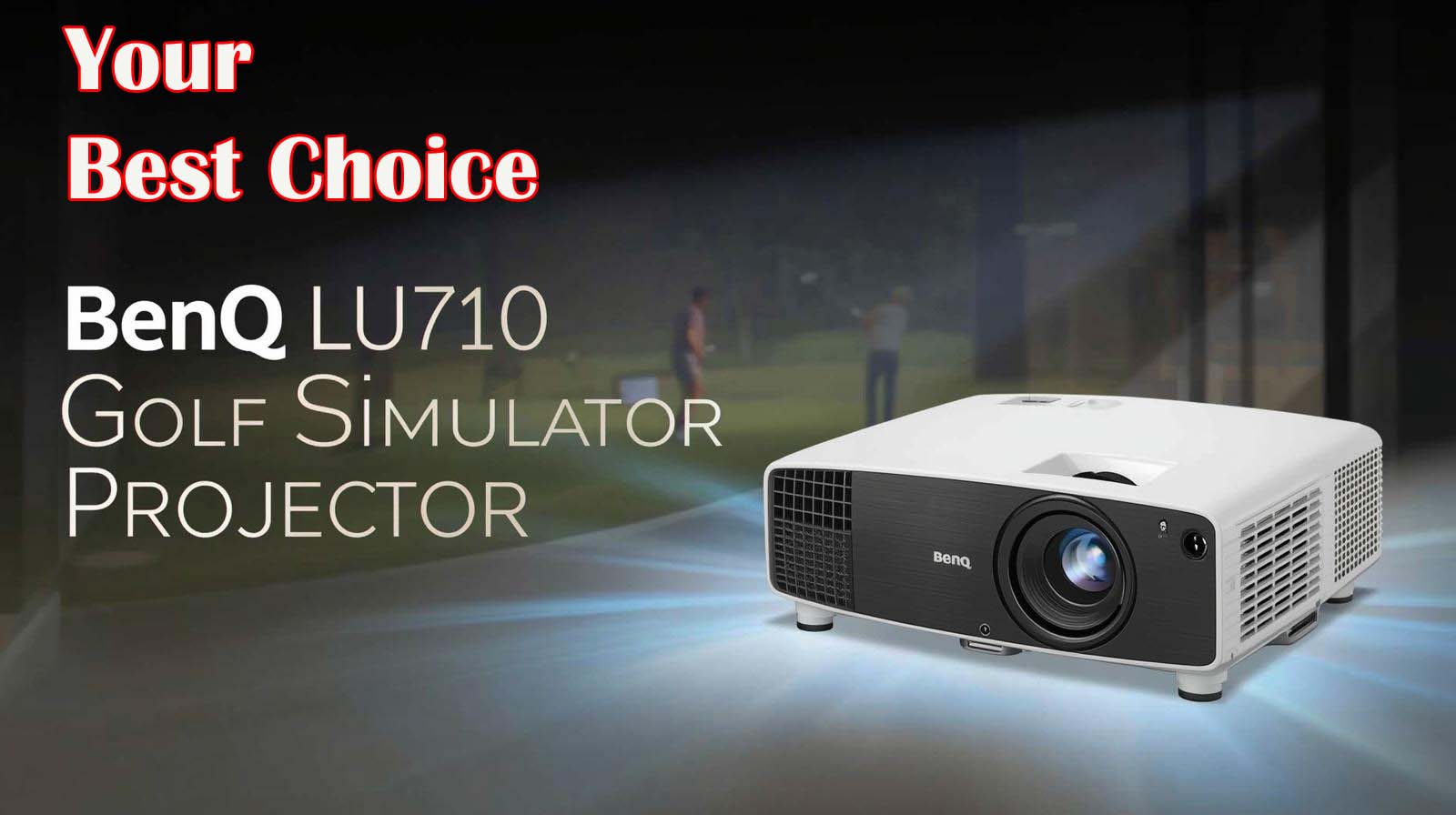
If you’re building a home golf simulator, the choice of projector can feel overwhelming. You’re looking at throw ratios, lumens, color accuracy, and whether you can actually afford to keep replacing lamps year after year. The BenQ LU710 Golf Simulator Projector lands in an interesting spot: it has the specs that matter for golf on paper, but there’s a 2.3-star rating on just 3 reviews that makes you wonder if something’s going wrong in the real world.
Here’s the honest answer upfront: the BenQ LU710 is worth serious consideration if you need flexible room placement and want to avoid lamp replacements for the next decade. It’s a cautious maybe if you’re uncomfortable with limited feedback and want absolute confidence in reliability before spending nearly a thousand dollars.
BenQ LU710 Golf Simulator Projector Review

Why Throw Ratio Matters More Than You Think
Most golf simulator buyers don’t think about throw ratio until they’re standing in their basement or garage, realizing the projector mount won’t fit where they planned. The problem is real: a standard projector locks you into one specific distance from the screen, and if your room doesn’t cooperate, you’re either moving walls or buying a different projector. That’s not an option when you’ve already framed out your impact screen and impact wall.
The 1.13 to 1.46 throw ratio on the BenQ LU710 solves this headache by giving you actual flexibility. At 1.13, you can project a full-sized 8-by-12-foot screen from just 14 feet away, which is perfect if your space is tight or you want the projector closer to avoid long cable runs.
On the other hand, the 1.46 ratio lets you push the projector further back if your room layout demands it, without sacrificing image size or forcing you to install the unit in a spot where it collects dust or blocks your swing.
How Real Installation Problems Disappear?
In practice, this flexibility means you’re not designing your entire sim around where a projector must live. You design the swing space first, the impact screen second, then you find the projector mount location—and with this throw ratio range, you’ll almost always find one that works.
I’ve watched enough home sim builds go sideways because someone picked a projector without checking throw ratio specs, only to discover the unit had to sit in the middle of the room or point from an awkward corner.
The ±30-degree 2D keystone correction and corner fit support seal the deal here. You can install this projector off-center or at an angle without the image distorting into an unusable trapezoid.
If your ceiling has a joist in the way or your mounting options are limited, those adjustments make the difference between “this setup works” and “time to call a contractor.”
The Laser Engine Promise – What 20,000 Hours Actually Means
Here’s where the BenQ LU710 separates itself from budget projectors: you’re not buying lamp replacements for the next decade. Traditional lamp-based projectors need a new bulb every three to five years, and those bulbs run between $150 and $300 each, depending on the model. Over the life of your simulator, that’s a recurring expense that adds up fast and forces you to think about maintenance instead of golf.
The sealed IP5X laser engine on this projector delivers 20,000 hours of operation before you even have to think about replacement. That’s roughly 10 years of daily use, or 20 years if you use the simulator a few times a week. The dustproof rating matters too, especially if your sim room is a basement or garage where dust can accumulate over time.
A sealed design keeps the optics clean and protects the laser from debris in ways open-cooled lamps simply can’t match.
The Real Cost Comparison Nobody Runs
Most buyers compare projectors by looking at price alone, then get surprised when lamp replacement costs start piling up. If you keep this projector for seven years and replace a lamp three times on a traditional unit, you’re essentially paying an additional $500 to $900 over the life of the system.
When you spread that across the total investment, the laser engine advantage stops being theoretical and becomes real money in your pocket.
The maintenance-free positioning also means less downtime in your simulator setup. You’re not researching lamp availability, waiting for shipments, or troubleshooting why a new bulb doesn’t seem to fit right. The laser just keeps working, and you keep practicing.
What the 2.3-Star Rating Signals?
Here’s where things get murky: if the laser engine is so good, why are there low reviews? The honest answer is we don’t know yet because only three people have reviewed this projector, and a 2.3-star average on that small sample size isn’t statistically meaningful.
Early adopter issues happen with any new product—an HDMI handshake problem with a specific launch monitor, a firmware quirk, or an isolated unit failure can tank an average when you’re working with three data points instead of three hundred.
The durability promise of the laser engine itself likely isn’t the problem (laser tech is proven), but something about the projector’s integration with golf simulator software, launch monitors, or customer support might be. Before you decide, this is a warning sign that should stop you from buying. You need to read those actual reviews and see if the complaints are about the core product or about other factors.
Resolution and Color – Does WUXGA Actually Matter for Golf?
The BenQ LU710 ships with 1920-by-1200 resolution in a 16:10 aspect ratio, which sounds like marketing-speak until you actually think about what you’re looking at on a golf simulator screen. A standard 1920-by-1080 projector (the 16:9 ratio) gives you a wider view but less vertical space.
When you’re standing in front of an impact screen watching your ball flight and the course landscape, that extra 120 pixels of height changes how much of the fairway you can see without turning your head.
In practice, the 16:10 ratio feels more natural for a golf swing position. You’re not craning up or down to see key parts of the course, and the ball flight path sits comfortably in your line of sight. The 1920-by-1200 pixel count is also genuinely sharper than 1080p when you’re sitting 15 feet back from the screen.
The difference isn’t massive, but it matters most when you’re trying to read a break on the green or track where your ball landed on a narrow fairway.
What 92% Rec. 709 Color Coverage Really Does
Color accuracy gets oversold in projector reviews, but it’s worth understanding what BenQ is claiming here. The Rec. 709 standard is the broadcast industry baseline for HD video and movies. When BenQ says 92% coverage, they mean this projector reproduces 92% of that color range accurately.
It’s good, but not exceptional—there are golf simulators that hit 95 to 98 percent, but they cost significantly more.
For golf simulation specifically, the color accuracy mostly affects immersion during long practice sessions. You notice greens that look more like real grass, fairway shading that feels natural, and skies that don’t look washed out. After an hour of practice, these small color differences add up psychologically.
That said, 92% coverage is plenty good enough that you won’t sit there thinking “man, this looks fake.” You’ll think it looks like golf.
Brightness – 4000 Lumens and When It’s Enough
The 4000-lumen output is specifically chosen for golf simulators, not because it’s a random spec but because launch monitors need adequate light to photograph and analyze your swing.
Those cameras work better with brightness, which means projectors built for golfing need to be brighter than, say, a projector for living room movies. The LU710’s 4000 lumens fill a typical 8-by-12-foot impact screen without washing out, even in a garage or basement with ambient light from windows or overhead fixtures.
In a typical basement setup with regular overhead lighting, 4000 lumens feels bright enough to see fine detail on the screen without straining. If your sim room has large windows or you practice during daytime hours with minimal light control, you might wish for more brightness.
But in controlled basement or garage environments where most home simulators live, this brightness level is genuinely adequate and handles daylight without requiring complete blackout conditions.
The Hidden Cost of Brightness – Noise and Heat
Putting out 4000 lumens requires cooling, and cooling requires a fan that makes noise. The BenQ LU710 runs quieter than traditional lamp projectors at the same brightness level, but it’s not silent.
If your simulator space shares walls with bedrooms or living areas, you might notice the fan during quiet moments in your swing. It’s not a deal-breaker for most home setups, but it’s worth knowing before you mount the unit above your head.
The laser engine also runs cooler than an equivalently bright lamp system, which matters for equipment longevity and keeping your sim space comfortable during longer sessions. You’re not going to feel heat pouring down while you’re practicing, which you absolutely would with some lamp-based alternatives at similar brightness levels.
The Real Problem – Unpacking That 2.3-Star Rating
I’m going to be direct about this: a 2.3-star rating would normally be a hard stop. You wouldn’t buy a projector, a car, or a coffeemaker with that kind of feedback. But three reviews are genuinely not enough data to condemn a product, which is the uncomfortable position we’re in here.
Statistical noise is real, and when you’re working with such a small sample, one person with a bad experience or a connectivity problem with their specific launch monitor can drag the average down significantly.
What matters is reading those reviews yourself to understand what actually went wrong. Did the projector arrive defective? Was there an HDMI handshake issue with a launch monitor? Did customer support respond slowly? Did the image flicker randomly? Those are very different problems with very different solutions.
One might indicate a systemic flaw, while another might be an isolated unit issue or a compatibility problem that’s already been fixed in firmware.
Why You Can’t Trust the Number Alone?
Early adopter products often have low review counts and skewed ratings because only dedicated buyers take the risk, and some of those buyers hit real problems.
If 50 golf simulator enthusiasts buy this projector and 47 of them never write a review, your rating average depends entirely on whether the three who did write reviews had good experiences or bad ones. That’s not meaningful feedback; that’s a coin flip.
Your job before clicking buy is to find those three reviews and read them carefully. If they’re all complaining about the same problem, say, the projector turning on intermittently, then you’ve found a pattern worth taking seriously. If the complaints are scattered and about different issues, or if the reviewer clearly had an unrealistic expectation, then the low rating is less alarming.
Who Should Actually Buy the BenQ LU710?
The BenQ LU710 is right for you if you have a flexible room layout and you’re tired of thinking about lamp replacement costs. If you’re building a permanent home golf simulator and you want to install the projector once and forget about maintenance for a decade, this projector delivers on that promise. The throw ratio flexibility also makes this a smart choice if your sim room has ceiling obstacles, odd wall configurations, or limited mounting options—you’re not locked into one specific installation.
Home golfers who value laser longevity and don’t need ultra-premium color accuracy or 4K resolution will find this projector more than adequate. If you’re budget-conscious and want to avoid the recurring expense of lamp replacements while still getting quality image performance, the durability math favors this unit.
You Should Be Cautious If
Proceed with caution if you have zero tolerance for risk and you want guarantees instead of maybes. The 2.3-star rating should concern you enough that you need to personally read those reviews and feel confident about what went wrong—or didn’t.
If reading those reviews makes you uncomfortable, wait for more feedback to accumulate. A product with 50 reviews averaging 3.8 stars is a much easier decision than this one.
You should also hesitate if you’re in a bright room with lots of ambient light from windows and you need maximum brightness to compete with daylight.
4000 lumens is adequate for most setups, but it’s not premium-level brightness. Similarly, if your launch monitor has known compatibility issues with BenQ projectors, you need to verify with customer support that this specific model works with your system before you buy.
Skip This If
Don’t buy the BenQ LU710 if you demand premium color accuracy or if 4K resolution is non-negotiable. There are projectors specifically optimized for color work that will serve you better, and if you need 4K for your simulator setup, this isn’t your product.
You should also skip this if you’re unwilling to do the homework of reading those customer reviews and potentially contacting BenQ support to understand what the low ratings actually mean.
If you’re looking for the most popular, highest-rated, safest choice with tons of verified reviews and nearly universal praise, this projector isn’t that yet.
It might be once more buyers own it, and the feedback becomes statistically meaningful, but right now it’s asking you to take a calculated risk based on strong specs and an uncertain reliability profile.
Key Specifications
- Resolution: 1920 × 1200 (WUXGA, 16:10 aspect ratio)
- Brightness: 4000 lumens
- Throw Ratio: 1.13 to 1.46
- Color Coverage: 92% Rec.709
- Laser Engine: Sealed IP5X, 20,000+ hours lifespan
- Keystone Correction: ±30° 2D
- Corner Fit: Yes
- Connectivity: HDMI
- Placement Flexibility: Off-center installation supported
- Brightness Range: Suitable for typical garage/basement lighting
Final Verdict
The BenQ LU710 Golf Simulator Projector sits in a genuine gray area. It checks the boxes for specs that matter: flexible throw ratio, laser durability, adequate brightness, good resolution for golf, and reliable color performance. But the 2.3-star rating based on three reviews creates enough uncertainty that you can’t make this decision based on specs alone.
Here’s my honest take: if you read those three reviews and they don’t alarm you—if the problems feel like early adopter hiccups or isolated unit issues rather than systematic flaws—then you’ve got a solid projector at a reasonable price point.
You’ll get 20,000 hours of laser life, flexible installation options, and the peace of mind that comes with zero lamp replacements for a decade. If reading those reviews makes you nervous or if they describe problems you’d hate to experience yourself, then wait for more feedback to accumulate. There’s no shame in letting other buyers become the test group.
The real action step is simple: go read those three reviews yourself before you make a decision. Check compatibility with your launch monitor. Consider whether the throw ratio flexibility actually solves an installation problem in your specific room.
Contact BenQ support if you have questions about reliability or integration. Then make a decision based on your comfort level with the information available, not based on a rating number that doesn’t mean much with such limited data.
Frequently Asked Questions
What does a 1.13 to 1.46 throw ratio actually mean for my golf simulator setup?
It means you can project a full-sized 8-by-12-foot screen from anywhere between 14 and 21 feet away from the screen. This flexibility lets you adapt the projector placement to your actual room layout instead of forcing your room layout around where the projector needs to be mounted.
Can I install the BenQ LU710 in a bright room, or do I need complete darkness?
The 4000-lumen brightness is specifically designed for golf simulators, which often live in garages or basements with ambient light. You don’t need complete blackout conditions, but controlling windows and overhead lighting will improve image quality and launch monitor camera performance.
How long will the laser engine actually last compared to a traditional lamp projector?
The sealed laser engine is rated for 20,000+ hours before replacement becomes necessary. A traditional lamp projector typically requires a $150–$300 lamp replacement every three to five years. Over a decade of use, the laser approach saves you hundreds in recurring maintenance costs.
Is 92% Rec.709 color coverage good enough for a realistic golf simulation?
Yes, 92% coverage is more than adequate for golf simulation. While premium projectors hit 95–98%, the 92% range still delivers lifelike colors that won’t make your course look fake or washed out during practice sessions.
Should I be concerned about the 2.3-star rating, or is it too early to worry?
The rating is based on only three reviews, so it’s not statistically meaningful yet. Read those actual reviews to understand what went wrong. If the problems align with reliability issues rather than isolated defects or setup problems, then be cautious. If they feel like early adopter hiccups, the rating is less concerning.
Does this projector work with all golf simulator launch monitors, or are there compatibility issues?
HDMI connectivity is standard, but different launch monitors can have varying degrees of compatibility with different projectors. Check your specific launch monitor’s documentation or contact BenQ support to verify compatibility before purchasing.
What’s the difference between WUXGA (1920×1200) and standard 1080p resolution for golf simulation?
The 16:10 aspect ratio on WUXGA gives you more vertical screen space, which feels more natural when you’re in a golf swing position. The extra 120 pixels of height means you see more of the fairway and course landscape without tilting your head, improving immersion and playability.
Will the projector fan noise bother me during practice sessions?
The laser engine runs cooler and quieter than lamp-based projectors at similar brightness. You’ll hear a faint fan noise, but it’s not loud. If your simulator room shares walls with sleeping areas or quiet zones, test the noise level before committing to permanent installation.
Can the projector handle being mounted in odd positions, like off-center or at an angle?
Yes, the ±30° 2D keystone correction and corner fit support mean you can install this projector off-center or at an angle without image distortion. This flexibility solves real installation problems in rooms with ceiling obstacles or limited mounting options.
What happens if I need to return this projector—what’s the return window?
Return policies depend on the retailer, not the projector itself. Check with Amazon or your specific seller about their return window and terms before purchasing, especially given the limited review data.