
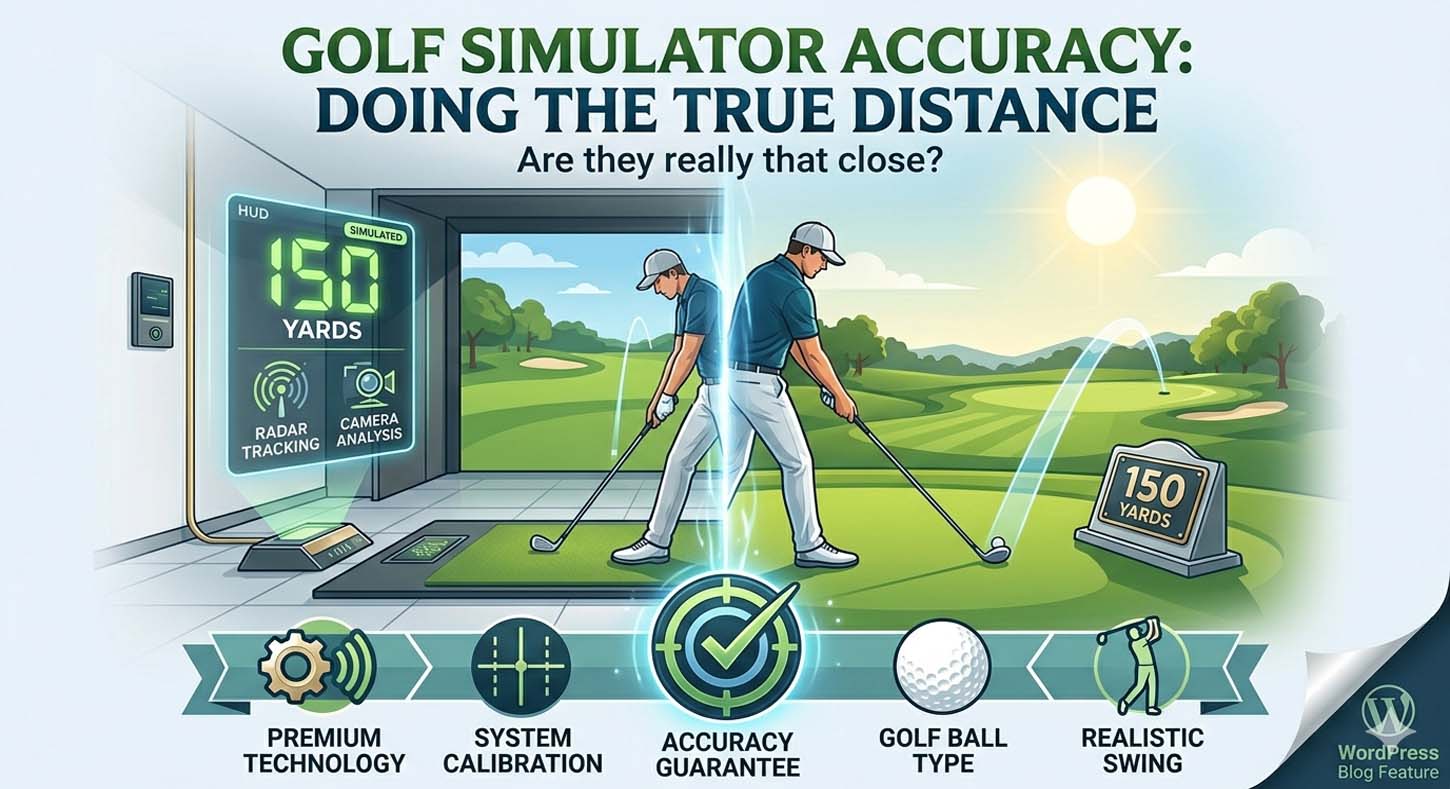
Even so, accuracy depends on the launch monitor, the ball you use, the setup, and even how you swing indoors. That is why two simulators can show slightly different yardages on the same shot. In this guide, we’ll walk through what golf simulators actually measure, why distances can sometimes feel longer or shorter than they do outside, and how to read the numbers the right way.
Are Golf Simulators Accurate for Distance?
Yes, most modern golf simulators are accurate enough for everyday practice, fitting, and club gapping. When they are set up properly, many systems are very close on ball speed, club speed, launch angle, and carry distance. The part that causes the most debate is rollout.
Since the total distance depends on surface conditions and software assumptions, it is usually less consistent than carry.
So the practical answer is simple: trust carry distance first, use total distance as a rough guide, and keep in mind that real-course conditions can change the final number quite a bit.
Key takeaway
- Best for: Carry distance, gapping, and repeatable practice
- Less reliable for: Rollout and total distance
- Most affected by: Ball type, spin capture, setup, and software calculations
What “Accurate” Actually Means in a Golf Simulator
When golfers ask how accurate golf simulators are for distance, they usually mean one of two things. They want to know whether the simulator matches their real-course yardages, or whether the system is measuring the shot correctly. Those questions are related, but they are not quite the same.
A simulator can measure the strike very well and still show a total distance that feels a little off outdoors. That is because distance in golf comes from a chain of data points, not just one number. The monitor reads or estimates ball speed, club speed, launch angle, spin rate, apex, and descent angle. Then the software uses those inputs to calculate carry and total distance.
In other words, the simulator is not just “guessing.” It is modeling the shot. Still, any model is only as good as the data feeding it and the assumptions built into the software.
The main distance numbers to know
- Club speed: How fast the clubhead is moving
- Ball speed: How fast the ball leaves the face
- Launch angle: The initial angle at which the ball starts
- Spin rate: How much the ball spins in the air
- Carry distance: How far the ball flies before it lands
- Total distance: Carry plus rollout after landing
Carry Distance vs Total Distance: Which One Is More Accurate?
This is where most of the confusion starts, and for good reason. Carry distance is usually more accurate because it is driven by measurable shot data. Total distance, on the other hand, depends on what happens after the ball lands, and that part is much harder to model indoors.
For example, a simulator can do a great job reading ball speed and spin, but it still has to estimate how the ball would bounce and roll on a fairway, down a slope, or on a firmer surface. Since real golf courses vary so much, no indoor system can perfectly reproduce rollout every time.
Why is the carry distance usually the most trustworthy number
Carry is based mostly on launch conditions, spin, and speed. Those are the exact things launch monitors are built to capture. Because of that, carry distance is the best number to use indoors for club selection, practice, and gapping. If a simulator tells you your 7-iron carries 152 yards on average, that is usually a much better number to trust than a “total distance” of 165 that depends on rollout assumptions.
Why does the total distance vary more indoors
Total distance is less stable because it depends on too many things that the simulator cannot fully control. Turf firmness, moisture, slope, green speed, temperature, altitude, and even the style of software all change the final number. On top of that, different systems calculate rollout differently. So while two simulators may agree on carry, they may not agree on total distance.
| Metric | Accuracy Level | Notes |
|---|---|---|
| Club speed | High | Usually very reliable when the system is set up correctly |
| Ball speed | Very high | One of the most dependable measurements |
| Launch angle | High | Typically strong across modern systems |
| Spin rate | Medium to high | More dependent on ball type and monitor quality |
| Carry distance | High | Best indoor reference point for most golfers |
| Total distance | Medium | Rollout is modeled, not fully measured |
How Accurate Are Golf Simulators by Club?
Distance accuracy is not the same for every club. Some clubs are easier for simulators to read than others, and some clubs naturally create more variation. As a result, it helps to think about accuracy by club type instead of expecting every shot to look identical.
Driver accuracy
Driver shots are usually where small errors feel the biggest. That is because driver shots travel farther, launch with less spin than irons, and magnify even small differences in ball speed or launch angle.
A slight change in strike can make the distance jump quite a bit. Still, a good simulator should be very useful for driver gapping and launch monitoring, especially if you care most about carry.
Iron accuracy
Iron shots are often the strongest use case for golf simulators. Because irons are struck with more consistent loft and usually produce more predictable flight windows, simulators tend to do very well here. This is why many golfers say their simulator finally showed them their real iron distances instead of the numbers they had been guessing for years.
Wedge accuracy
Wedges can be very accurate, but they are also sensitive to spin and ball type. High-spin wedge shots depend heavily on the cover of the ball and the quality of the strike. If you switch from a premium urethane ball to a harder practice ball, you may see a noticeable change in distance and stopping power. That does not mean the simulator is wrong; it may mean the ball is behaving differently.
Fairway woods and hybrids
Fairway woods and hybrids are generally solid indoors, although they can be a little more variable than irons. Since they sit in the middle of the bag, they combine speed, launch, and spin in ways that can expose small setup differences. Even so, most modern systems still do a good job with these clubs once the environment is dialed in.
Why Golf Simulators Sometimes Feel Longer or Shorter Than the Course
Many golfers step into a simulator and immediately say the numbers feel “off.” Sometimes the simulator seems longer than real life. Other times it feels shorter. Usually, there is a good reason for that, and it is not always the machine itself.
One of the biggest reasons is that golfers often compare their best shots outside to their average shots indoors. That is a mismatch from the start. Outdoors, people remember their flushed 7-iron that landed pin-high, not the two thin shots that came up short. Indoors, however, every swing is captured, and the average becomes impossible to ignore.
Indoor swing syndrome
Another common explanation is indoor swing syndrome. This is the idea that some golfers swing differently indoors because they do not see a real target line, a full ball flight, or the usual feedback from the course. Sometimes that leads to cautious swings, and sometimes it leads to freer swings. Either way, the indoor environment can change how you deliver the club, which then changes the distance.
That said, indoor swing syndrome is not the whole story. A lot of the time, the simulator is simply revealing the truth about your actual averages.
Selective memory bias
Golfers are famously good at remembering their best shots and forgetting the rest. That means many people think they hit their 7-iron 150 yards because they remember the one time it landed perfectly on a downhill, downwind par 3. In reality, the average may be closer to 138 or 142. A simulator is often brutally honest in that way, and that honesty can feel like a distance problem when it is really a perception problem.
What Affects Golf Simulator Distance Accuracy?
Several factors influence how accurate golf simulators are for distance. Some are technical, some are environmental, and some are simply about how consistently you strike the ball. The better you understand these factors, the easier it becomes to trust the numbers you see.
Launch monitor type
Different launch monitor technologies measure the shot in different ways. Radar-based systems track the ball as it flies, while camera-based or photometric systems capture the ball shortly after impact. Overhead systems also use their own methods to read the shot. Because each technology works differently, they may show slightly different results even on the same swing.
That does not mean one is “bad” and another is “good.” It simply means each system has strengths and limitations. High-end systems are usually more consistent, but even good budget systems can be very useful when they are set up properly.
Ball type
The ball matters more than many golfers expect. A premium urethane ball generally produces more realistic spin and launch behavior than a basic 2-piece distance ball. In some simulator setups, marked practice balls or brand-specific balls can also fly a little differently than a ball you normally use on the course. If the cover, compression, or surface marking changes, the spin and carry can change too.
This is why some golfers say their distances “came back” once they switched to premium balls or applied decals to their usual gamer ball. The machine was not necessarily wrong before. It was measuring a different ball reaction.
Calibration and setup
Even a great launch monitor can produce misleading numbers if the setup is off. Elevation settings, alignment, floor leveling, ball position, and ceiling height all matter. If the system thinks it is reading a flat setup but your room is tilted, or if the elevation is entered incorrectly, the distances can drift.
Small setup errors may not matter much on one swing, but over time, they can affect your confidence in the numbers. That is why calibration should be part of your routine, not something you only do once.
Hitting surface
The mat or turf you hit from can also change how the shot looks. Some mats are very forgiving, while others are firmer and more punishing. A mat that allows the club to slide through too easily may mask fat shots. On the other hand, a firmer mat may feel harsher than a real fairway. Either way, the hitting surface changes contact, and contact changes distance.
Software and rollout algorithms
This is one of the biggest reasons total distance varies from simulator to simulator. Even when two systems measure carry very well, they may use different formulas for bounce and roll.
One software package may be more aggressive with rollout, while another may be more conservative. So when golfers compare different platforms and say one is longer, they are often comparing software logic as much as hardware accuracy.
Do Golf Simulator Balls Affect Distance?
Yes, they can. In fact, ball choice is one of the easiest things to overlook and one of the easiest things to fix. If your simulator is built around a ball that is different from your gamer ball, distance can change by a club or more in some cases, especially with higher-spin shots.
Premium balls usually give the most realistic results because they better match how you play on the course. By contrast, some supplied practice balls are designed for tracking or durability, not exact on-course performance. That can be fine for general use, but if you want to build trust in your distances, consistency matters more than convenience.
Best practice for ball testing
- Use one ball type for all testing
- Do not mix premium balls with practice balls during gapping sessions
- If you use decals or marked balls, test them against your normal gamer ball
- Recheck distances after changing ball models or brands
How to Check If Your Simulator Distances Are Accurate
If you want to know whether your simulator is accurate for distance, the best approach is to test it the same way you would test any other golf data: with a simple, repeatable sample. Do not judge the system on one perfect wedge or one flushed driver. Instead, look at averages over a decent number of swings.
Simple testing method
- Pick three clubs: one wedge, one iron, and your driver.
- Hit about 10 shots with each club.
- Use the same ball type for every shot.
- Ignore obvious mishits if you are testing stock distances.
- Write down the average carry, not your best carry.
- Compare those averages with outdoor data if you have it.
- Confirm that your elevation, alignment, and calibration are correct.
This process gives you a much more realistic picture of how accurate the simulator really is. It also helps you separate genuine system issues from normal swing variation.
How Accurate Are Golf Simulators Compared to Trackman or Real-Life Play?
High-quality launch monitors can be extremely good at measuring the actual strike. In many cases, systems like Trackman, Uneekor, SkyTrak, GC3, and similar units are close enough that the carry numbers are very useful for practice and fitting. But real-life golf adds factors that no simulator can fully recreate.
On the course, wind changes the shot, slopes change the bounce, the fairway firmness changes rollout, and the ground underneath you is never perfectly controlled. That means a simulator can be accurate as a measurement tool while still not matching the outdoor total distance exactly. The difference is not a failure. It is simply the nature of indoor golf.
Are Golf Simulators Good Enough for Club Gapping?
Yes, absolutely. In fact, this is one of the best reasons to use a simulator. Many golfers have a fuzzy idea of their yardages outdoors because they remember only the standout shots. A simulator gives you a repeatable environment where you can see true averages across multiple swings.
That is especially helpful for irons and wedges. Once you know your carry gaps, you can make much better decisions on the course. Instead of wondering whether your 8-iron goes 145 or 155, you can build a realistic chart based on average carry. That usually leads to better club selection, tighter approach play, and fewer wasted shots.
Why average carry matters more than best-shot carry
Best-shot carry is tempting because it feels good, but it is not the number you should base your round on. Average carry gives you a much more reliable picture of your actual game. It also helps you choose targets more intelligently. If your average 7-iron carry is 147, then playing it as a 155-yard club is likely to leave shots short, even if you can occasionally hit one that far.
Common Reasons Simulator Distances Are Wrong
When simulator distances seem off, one or more of the following is usually involved. The good news is that most of these issues can be corrected or at least reduced.
- You are using a different ball than you normally play
- The elevation or alignment is not set correctly
- The launch monitor is not fully calibrated
- The mat or turf is affecting the strike
- The software is using a different rollout model
- You are comparing average shots to your best outdoor shots
- Strike quality is changing more than you realize
- Spin is not being captured as accurately as it should be
Best Practices for More Accurate Golf Simulator Distance Data
If you want the most dependable numbers possible, a few simple habits go a long way. Most of them are easy, and together they can make a big difference in how much you trust the simulator.
- Use the same ball every time
- Calibrate before important sessions
- Verify alignment and level setup
- Focus on carrying first, total second
- Look at averages over multiple shots
- Test across more than one session
- Validate simulator numbers outdoors when possible
What Golfers Often Get Wrong About Simulator Distance
A lot of the confusion comes from expectations, not from the simulator itself. Golfers often expect the indoor number to match the exact outdoor number they have in their head, but that expectation is usually built on memory, not data. Once they start looking at average carry instead of remembered best shots, the picture becomes much clearer.
Another common mistake is judging total distance too heavily. Indoors, total distance is useful, but it should not be your main reference point. Carry is the better anchor because it is more repeatable and much easier to compare from session to session.
Finally, golfers sometimes assume that all simulators should show the same number. They should not. Different hardware, different software, and different ball models can all create small differences. What matters most is consistency within your own setup.
Frequently Asked Questions
Are golf simulators accurate for irons?
Yes, golf simulators are usually very good for iron distances. Iron shots are one of the strongest use cases for simulator practice because carry is generally measured well, and gapping is easier to repeat indoors.
Are golf simulators accurate for driver distance?
They can be, but the driver is usually a little more sensitive to small errors in strike, spin, and launch. Even so, modern simulators are very useful for driver fitting and carry estimation.
Why is my simulator distance shorter than outside?
That can happen for several reasons, including indoor swing changes, different balls, selective memory about outdoor shots, or a setup that is not fully calibrated. In many cases, the simulator is showing your real average rather than your remembered best shot.
Why does carry match, but total distance doesn’t?
Because carry is mostly based on launch data, while total distance depends on rollout. Rollout is affected by surface, slope, firmness, and software assumptions, so it is harder to match exactly.
Do golf balls matter in a simulator?
Yes. Ball type can affect spin, launch, and carry. If you want reliable distances, use one consistent ball type and test it thoroughly before trusting the numbers.
Can I trust simulator distances for course play?
Yes, especially if you use carry distance as your main number. Simulators are excellent for learning your stock yardages and club gaps, but you should still factor in wind, turf, and course conditions when you play outside.
Why do different simulators give different distances?
Different systems use different sensors, tracking methods, and software models. Even if they read the same shot very well, they may calculate total distance differently, especially when rollout is involved.
Are indoor simulators accurate for wedge distances?
They can be, but wedge shots are more sensitive to spin and ball cover, so ball choice matters a lot. If your wedge numbers seem off, the first thing to check is the ball you are using.
Final Verdict
When you are asking, how accurate are golf simulators for distance? The honest answer is that they are usually very accurate for carry distance and good enough for serious practice, fitting, and gapping. However, they are less exact when it comes to total distance because rollout is harder to model indoors.
If you use the right ball, keep your setup calibrated, and focus on average carry instead of one magical shot, a golf simulator can be one of the best tools you ever use to understand your game. In the end, that is the real value: not a perfect imitation of the course, but consistent data you can trust.