
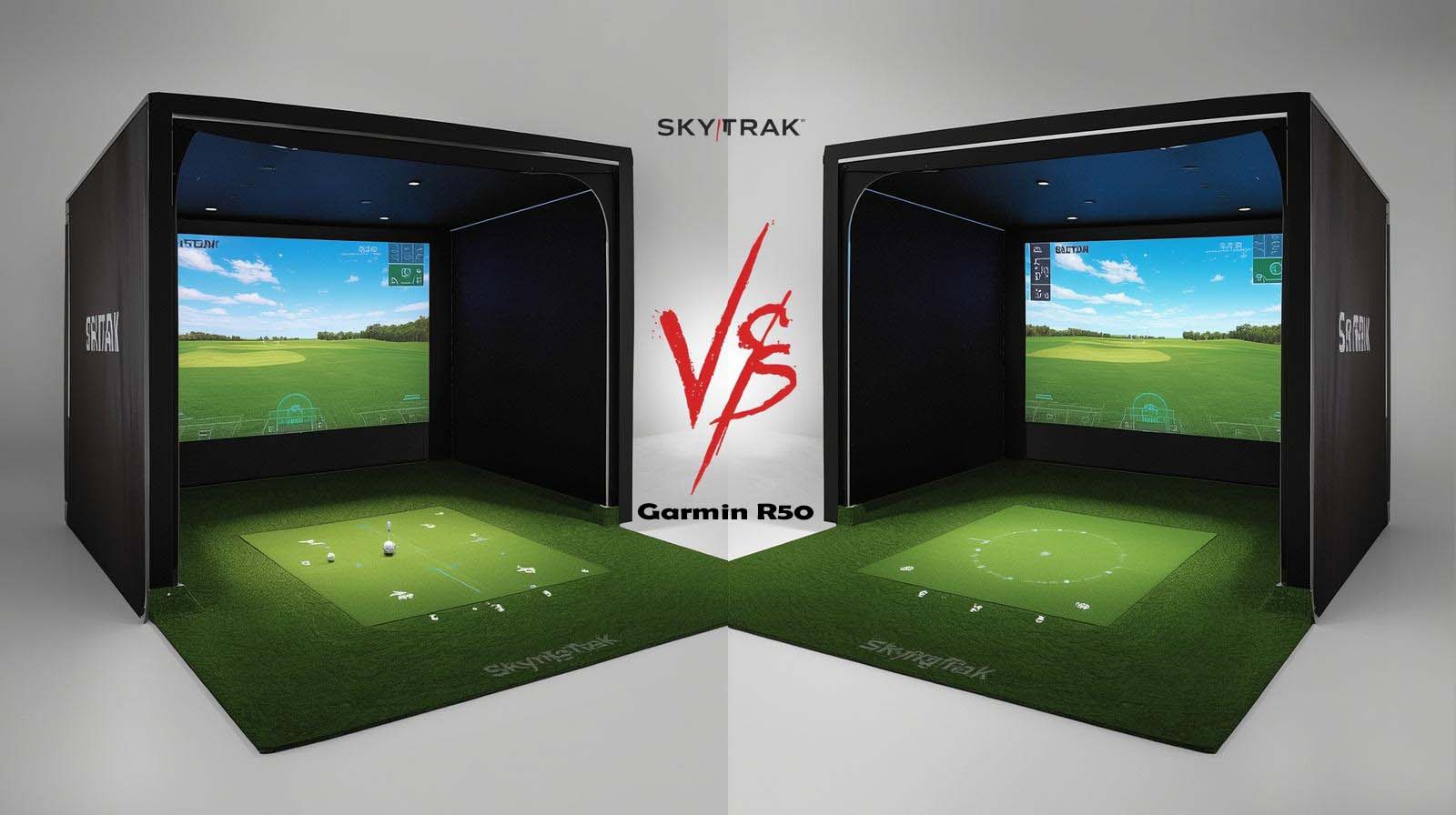
You’ve narrowed it down to two serious contenders, and now you’re stuck. The Garmin R50 and SkyTrak represent two completely different philosophies about what a launch monitor should be, and spending five grand on the wrong one stings.
I’ve spent time with both systems, tested them through different scenarios, and I’m going to walk you through what actually matters so you stop second-guessing yourself.
Here’s the truth right upfront: the Garmin R50 wins for golfers who want everything built into one device and don’t mind paying a premium for that convenience.
SkyTrak wins for anyone who values flexibility, already has a display setup, or wants to avoid subscription lock-in. Neither is objectively better—it comes down to what you actually use and how you practice.
Garmin R50 Golf Simulator
The Quick Answer Before We Dive Deep
The Garmin R50 is the Tesla of launch monitors—premium, integrated, and impressive right out of the box with its built-in touchscreen and all-in-one design. SkyTrak is the Honda Civic of this comparison, reliable, practical, and flexible enough to customize your setup exactly how you want it without the premium price tag.
The real question isn’t which one is “better” but which philosophy fits your life better. Do you want to unbox something, turn it on, and start playing courses in minutes? Or do you want a tool that lets you build the setup you want, even if it takes a little more tinkering?
Accuracy: Both Hit Their Mark
Both systems use multi-camera technology that’s been proven on professional ranges, so accuracy isn’t where you’ll find a meaningful gap. The Garmin R50 uses three high-speed cameras paired with a barometric pressure sensor to adjust for altitude and atmospheric conditions, which sounds impressive until you realize most home golfers never notice the difference.
SkyTrak also runs three-camera technology that’s been used by PGA Tour coaches and TrackMan comparison studies for years, giving it a longer track record in real-world practice environments.
If you’re playing most of the time indoors, both systems deliver numbers you can trust—the difference comes down to a fraction of a yard on measurements, not something that changes how you practice.
The Display Battle: Built-In vs. Bring Your Own
Garmin R50’s Integrated Screen
 Check Price on Amazon
The R50 has a 10-inch color touchscreen built right into the unit, and walking up to the range with a complete system is genuinely convenient. You get instant feedback on every shot, access to over 43,000 courses through Home Tee Hero, and everything stays in one weatherproof case that’s built to take hits.
But here’s what doesn’t get mentioned in the marketing—that 10-inch screen is actually quite small when you’re standing eight feet away trying to see where your virtual shot went. I found myself squinting more than I wanted, and the touchscreen interface, while intuitive, feels slower than navigating a desktop or laptop would be.
SkyTrak’s Flexible Display Setup
SkyTrak requires you to connect to an external display, which sounds like a drawback until you realize what it actually lets you do. You can use an existing monitor, a TV, or invest in a projector that throws a full-sized virtual fairway on your garage wall—something the R50 can’t match visually.
The flexibility here is real because you can upgrade your display independently without replacing the launch monitor. Your projector breaks? Get a new one without touching the SkyTrak itself. Want a bigger screen next year? Easy switch. You’re also not locked into one interface because SkyTrak connects with multiple software platforms, giving you options the R50 simply doesn’t have.
Software and the Subscription Question
The Garmin R50 runs on Home Tee Hero software that’s exclusive to Garmin devices, meaning you can’t switch to E6Connect or any other platform even if you wanted to. The system is slick and golf-focused, but you’re essentially renting access to Garmin’s ecosystem—cancel your membership and your courses disappear.
SkyTrak pairs with E6Connect, which is the industry standard and connects with multiple simulator software options, giving you actual choices about where your data lives. You can also keep your shot data and analytics across different providers if you ever decide to change, whereas Garmin ties everything to one account.
The Price Reality Check
The R50 costs significantly more than SkyTrak, and that’s the conversation nobody’s having, honestly. When you factor in that SkyTrak runs around half the price, you have real money left over to add a quality projector setup that actually delivers a better visual experience than the built-in screen.
The premium you’re paying for the R50 buys you portability, convenience, and an all-in-one ecosystem—not better accuracy or more courses or fundamentally better golf improvement. Whether that convenience is worth thousands of dollars depends entirely on your lifestyle and how much you value simplicity over flexibility.
Real-World Cost Over Five Years
The R50’s premium extends beyond the hardware price because you’re locked into Garmin’s subscription for courses and keeping the system active. SkyTrak might require a projector purchase upfront, but that investment lets you control your long-term costs and gives you options if you want to change software platforms.
After five years of ownership, most golfers find they’ve spent more on the R50 ecosystem than they initially planned because the convenience comes with an ongoing commitment to Garmin’s platform. SkyTrak users typically have the same or lower total cost and retain the freedom to change direction if their needs shift.
Portability and On-Range Performance
If you’re someone who bounces between multiple practice ranges, the R50’s four-hour battery life and included carrying case make it genuinely practical for travel. Setting it up takes maybe five minutes—grab it from the case, power it on, and you’re ready to hit, which is a massive advantage if you value speed.
SkyTrak requires external power or an add-on battery module that costs extra money, making it less natural for traveling between ranges. You’ll need to manage cables and positioning at each location, which becomes annoying fast if you’re playing at different courses every week.
Where the Garmin R50 Actually Struggles?
The built-in touchscreen is both the R50’s greatest strength and its biggest vulnerability because it’s a single point of failure. If that screen gets damaged, you’re looking at expensive repair or replacement through Garmin, and the unit becomes a paperweight until it’s fixed.
The subscription requirement also means you can’t access any courses without staying current on a Garmin Golf membership, which is different from systems that let you own your software. If you take a break from golf or want to practice without paying another annual fee, you’re out of luck with the R50.
Where SkyTrak Actually Falls Short
The setup complexity is real because SkyTrak by itself is just half the equation—you still need to figure out your display, mount it properly, run cables, and potentially troubleshoot calibration. For someone who just wants to walk out, hit balls, and get data, this extra work feels like friction.
Portability becomes a genuine disadvantage if you practice at multiple ranges because carrying a launch monitor, display cable, and external power isn’t as clean as grabbing the R50’s case. The base unit doesn’t have a built-in battery, so you’re constantly managing power requirements or paying extra for the battery module.
Data Depth and Analytics
The R50 shows you comprehensive metrics through a golf-focused interface that makes sense to most players—ball speed, launch angle, spin rate, and shot dispersion charts all populate on the touchscreen.
The information is presented clearly, but you’re somewhat limited in how deep you can dive into the data by the screen’s size and the software’s structure.
SkyTrak connected to a computer provides granular analytics that go deeper—swing videos, shot history exports, custom training reports, and data you can actually share with a coach or keep in a personal file system. If you’re serious about tracking improvement over time, SkyTrak’s data ecosystem is more powerful.
Setup Time and Learning Curve
Getting the R50 running is stupidly simple because everything’s integrated—unbox it, charge it, and you’re hitting balls within minutes. The touchscreen interface feels natural to anyone who’s used a smartphone, so there’s no software learning curve at all.
SkyTrak requires you to understand how to connect it to your display, possibly configure your software, and learn the E6Connect platform or whichever simulator you choose. For non-technical golfers, this extra setup might feel like you’re missing documentation or hitting walls, though it gets easier after the first session.
Outdoor Performance Reality
The R50’s barometric compensation is marketed as an outdoor advantage, but sunlight on that 10-inch touchscreen makes it nearly impossible to read accurately in bright conditions. Outdoor putting simulation becomes particularly frustrating because you can’t see the small screen well enough to track virtual breaks or distances.
SkyTrak’s outdoor accuracy is solid because it doesn’t depend on a visible screen at all—you get data whether you’re in sunlight or shade. If most of your practice happens on a range or in outdoor sessions where you just check data between shots rather than watching a live display, SkyTrak has the practical advantage.
Repair, Durability, and Long-Term Support
The R50 feels like premium Garmin hardware, it’s well-built and designed to last—but that touchscreen is genuinely vulnerable to damage. Once it fails, your options are limited to Garmin service, and replacement costs aren’t cheap because the display is integrated into the entire unit.
SkyTrak’s ruggedized design has fewer moving parts and no touchscreen to break, giving it a simpler durability profile. Both systems have good support networks, but SkyTrak’s modular design means you can replace components individually rather than the entire unit if something goes wrong.
SkyTrak vs Garmin R50 Golf Simulator Quick Comparison
| Feature | SkyTrak | Garmin R50 |
|---|---|---|
| 💰 Price | Budget-friendly | Premium |
| 🎯 Accuracy | High (ball data) | Very high (ball + club data) |
| 🏠 Use | Indoor | Indoor + Outdoor |
| ⚡ Speed | Slight delay | Real-time |
| 📊 Data | Basic metrics | Advanced analytics |
| 🎮 Simulation | Good | Premium experience |
| 🧑 User Level | Beginner–Intermediate | Advanced / Pro |
Which One Should You Actually Buy?
Choose the Garmin R50 If:
- You practice at multiple ranges and value portability above everything
- You want true plug-and-play simplicity with zero technical setup
- You’re willing to commit to Garmin’s ecosystem and subscription model
- You primarily practice indoors, where the 10-inch screen stays visible
- You prefer having one integrated device rather than managing multiple pieces
Choose SkyTrak If:
- You have a monitor, TV, or projector you can connect to immediately
- You want flexibility to upgrade your display independently in the future
- You care about deep analytics and swing data for coaching or personal tracking
- You prefer not being locked into one software ecosystem
- You want the most accurate launch monitor per dollar spent
The Honest Breakdown: Which System Wins
If portability is your primary driver and you have the budget, the Garmin R50 deserves serious consideration because it really is the most convenient all-in-one solution available right now. You can’t beat the simplicity of grabbing one case and having a complete launch monitor and simulator in your hands.
But if you’re looking at the price difference and wondering if it’s worth it, the answer is almost always no for most golfers. SkyTrak delivers better value because you get professional-grade accuracy, superior analytics, and the flexibility to build a setup that matches your space and budget instead of forcing you into Garmin’s design.
Frequently Asked Questions
Is Garmin R50 more accurate than SkyTrak?
No—both systems use proven three-camera technology and deliver accuracy that’s essentially identical for home golf practice. The R50’s barometric sensor helps with outdoor conditions, but for typical indoor use, you won’t see a meaningful difference in the numbers either system gives you.
Can I use SkyTrak without a projector?
Yes, you can connect SkyTrak to a monitor, TV, or laptop to see your data and play virtual courses. A projector isn’t required—it just gives you the best visual experience if you have the space for one.
Do I need a subscription with the R50?
Yes, you need an active Garmin Golf membership to access courses through Home Tee Hero. Without it, you can get data and metrics, but can’t play virtual rounds on the built-in display.
How much does a good projector cost for SkyTrak?
Quality golf simulator projectors range widely, but you can set up a working system with budget options and scale up later. The flexibility means you can start small and improve your display as your commitment to the simulator grows.
Which system is better for swing coaching?
SkyTrak connected to E6Connect or similar software provides better coaching tools because it captures swing video, tracks shot patterns, and generates exportable reports that coaches can actually use. The R50 shows you the data, but is more limited for serious coaching analysis.
Can I take the R50 to the driving range?
Absolutely—that’s one of its main advantages. The four-hour battery and carrying case make it genuinely portable, so you can use it at public ranges, practice facilities, or on the course if they allow it.
What happens if the R50 screen breaks?
You’d need to send it to Garmin for repair because the screen is integrated into the unit. This makes it riskier than SkyTrak because damage to the display affects the entire system, and repair costs are high.
Is SkyTrak better for outdoor use?
For outdoor range practice, SkyTrak has the advantage because accuracy doesn’t depend on seeing a visible screen in bright sunlight. The R50’s small screen becomes hard to read outdoors, which limits your ability to see virtual course play.
How long do these systems last?
Both are built to last several years with normal use. The R50’s main risk is touchscreen failure, while SkyTrak’s main risk is general wear on the camera housing. Neither system becomes obsolete quickly if you maintain it properly.
Which system integrates better with golf watches?
The R50 integrates directly with Garmin smartwatches and the Golf app ecosystem, which is useful if you already own Garmin devices. SkyTrak has broader software compatibility but doesn’t tie into smartwatch ecosystems the same way.